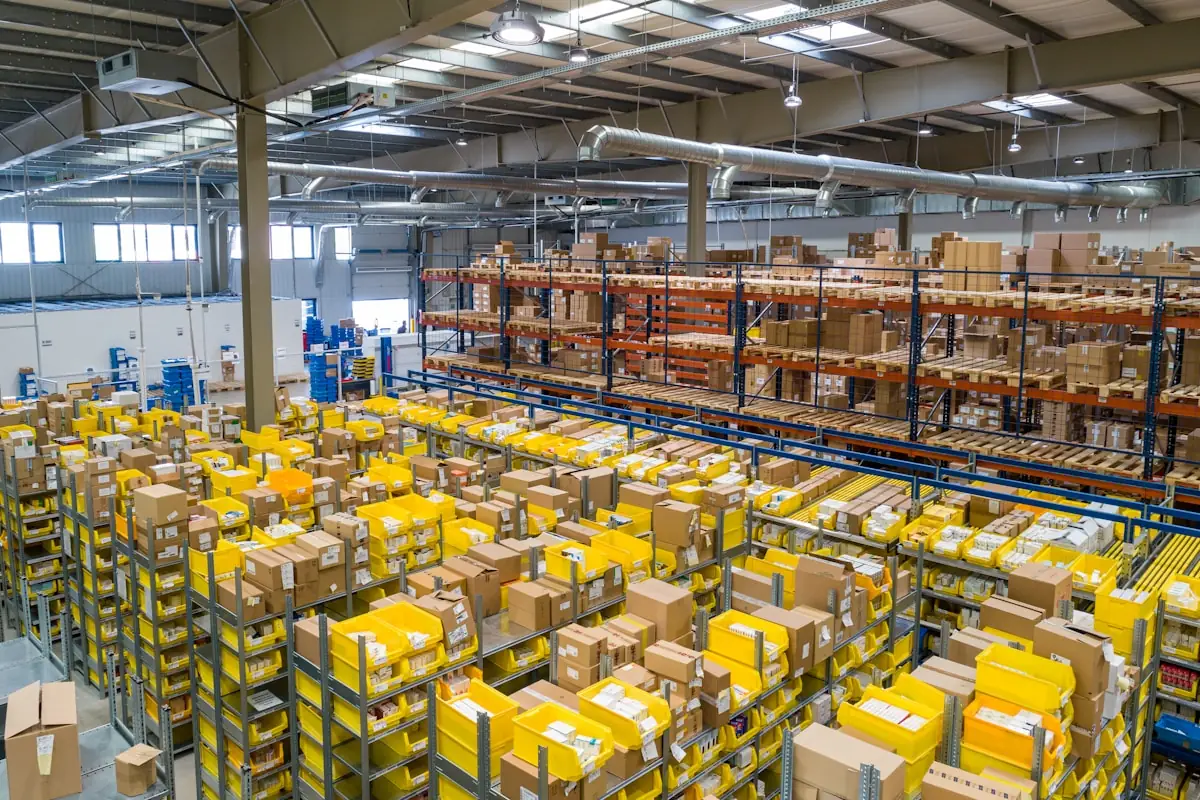
Multi-step routes
One-step delivery for a small store, or pick → pack → deliver for a busy dock. Routes are configured per warehouse and per product, not hard-coded.
Odoo 19 · Warehouse solutions
Appther implements Odoo warehouse management for distributors, manufacturers, retailers and 3PLs, with real-time stock visibility across every location.
Illustrative interface · sample data
Trusted by operations teams worldwide





In short
Odoo warehouse management is the Odoo Inventory and Barcode apps configured to run a physical warehouse: stock tracked by location down to the shelf, receipt and delivery routes of one to three steps, putaway and removal rules, barcode scanning on mobile devices, lot and serial traceability, and automatic replenishment.
It shares one database with Purchase, Sales, Manufacturing and Accounting. Appther configures it around your processes as part of our Odoo implementation services.
✓A good fit when
!Assess specialist WMS needs when
Odoo can still connect to a specialist warehouse system; we confirm the fit in discovery.
01 · The operating layer
Odoo Inventory connects every warehouse activity in one system, so stock, orders and accounting read from the same record and a pallet is never in two places.
One-step delivery for a small store, or pick → pack → deliver for a busy dock. Routes are configured per warehouse and per product, not hard-coded.
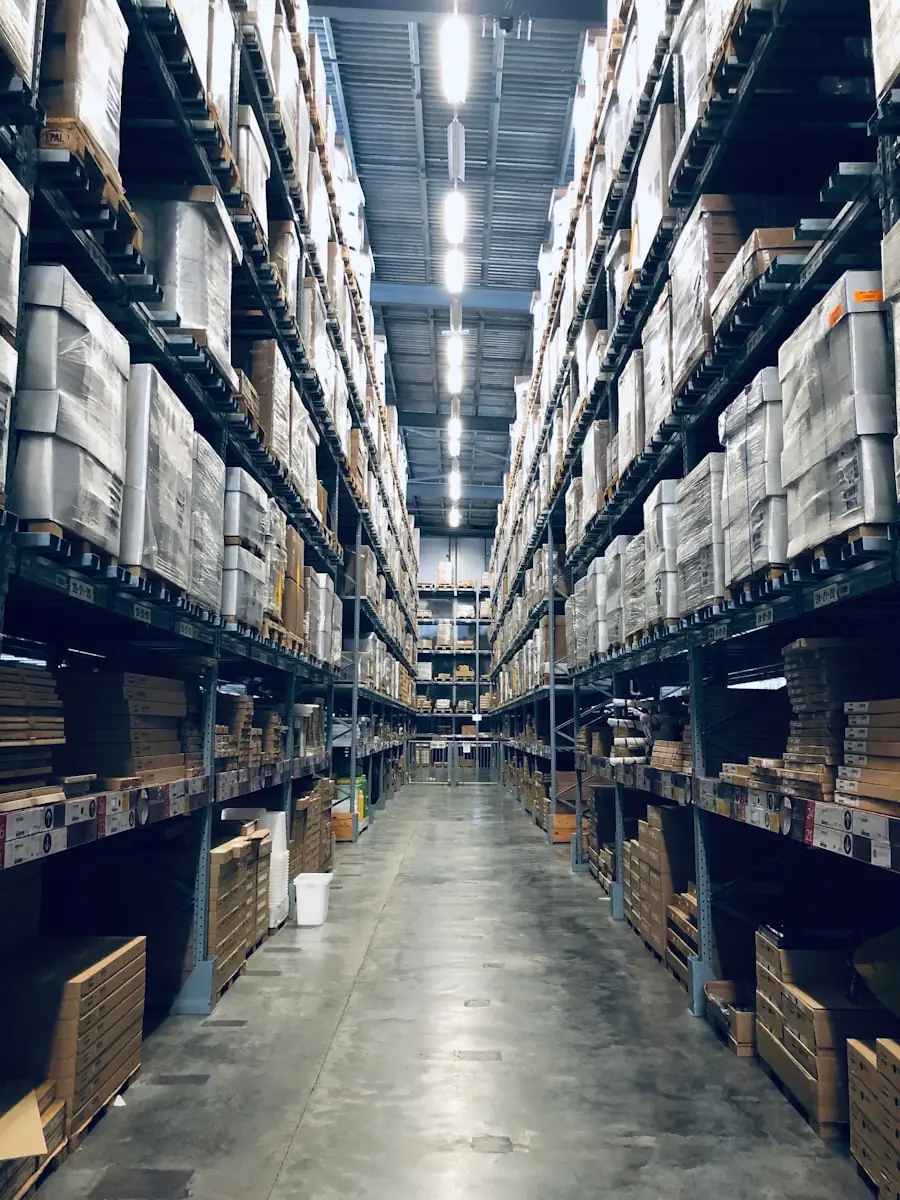
Warehouse → zone → aisle → shelf, so stock is visible at the level a picker actually walks to, not just “somewhere in building B”.
Putaway rules, removal strategies and reordering rules decide where stock goes and where it comes from, which takes the guesswork out of each shift.
02 · Core features
These are standard Odoo Inventory and Barcode capabilities. Pick a feature to see how it works day to day. Our job is to configure each one for how your warehouse really runs, and to build only what the standard product does not cover.
Manage stock across every physical warehouse and its locations from one Odoo database, with transfers between sites tracked like any other movement.
Direct incoming products to the right storage location automatically, by product, category or package type, so receivers never have to decide where stock goes.
Run outbound in one, two or three steps to suit your volume: ship straight from stock, or pick, pack and ship as separate, checked operations.
Control how product moves from vendor to customer. Push and pull rules create the next movement automatically, including cross-dock and make-to-order flows.
Scan receipts, deliveries, internal transfers and inventory counts on a phone or rugged handheld. Every scan is checked against the expected product, location and quantity.
Run cycle counts by location or product and reconcile physical stock against Odoo without shutting the warehouse for a full stocktake.
Track products by lot or unique serial number, with expiration dates where they matter, so a recall or warranty claim traces back to the exact receipt.
Use reordering rules, make-to-order or the Master Production Schedule so buying and production react to real stock levels instead of someone noticing an empty shelf.
03 · Barcode-enabled execution
Odoo Barcode runs on handheld scanners and phones, so every receipt, transfer and count is confirmed at the shelf instead of typed up at the end of the day.
04 · Inventory control & traceability
For regulated, perishable or high-value stock, traceability is not a report you run later. It is set up in how products are received, stored and picked, so every lot can be followed from supplier to customer.
| Strategy | What Odoo picks first | Best for |
|---|---|---|
| FIFO | The stock that arrived earliest | Most general goods; keeps stock rotating |
| LIFO | The stock that arrived most recently | Non-perishable bulk goods where rotation does not matter |
| FEFO | The lot with the earliest expiration date | Food, pharma, cosmetics and anything with a shelf life |
| Closest location | Stock in the location nearest the start of the pick path | Large warehouses where walking time drives cost |
| Least packages | The fewest packages that cover the quantity | Pallet and carton stock, to avoid opening extra packs |
Strategies as described in the Odoo 19 documentation on removal strategies.
05 · Replenishment & availability
Three Odoo replenishment methods, used alone or together, so buying and production react to real stock rather than to someone noticing an empty shelf.
Minimum and maximum levels trigger replenishment suggestions, or create the orders automatically.
Supply actions are created from confirmed demand, so you buy or build only what has been sold.
Plan replenishment from forecasts and planned quantities, for businesses that make as well as store.
Example operating cycle
06 · Visibility & dashboards
The Odoo Inventory Overview answers the three questions every shift starts with: what is late, what is pending, and what needs attention today. Managers prioritise work and clear bottlenecks before they spread.
Identify overdue outbound operations
See overdue inbound operations
Track pending movements between locations
Forecast scheduled activity for the next 7 days
Free discovery workshop
Walk us through receiving, storage and dispatch. Bring what you know about the six areas below; rough numbers are fine, the workshop is where they get sharpened.
07 · Appther implementation approach
Six phases in three stages. Nothing is configured until the warehouse structure, routes and barcode flows have been agreed on paper, which is what keeps go-live week quiet.

Process mapping, roles, locations, products and exceptions.
Warehouse structure, routes, rules and barcode flows.
Odoo setup, security, workflows and reports.
ERP, eCommerce, carriers, scanners and external systems.
Products, opening stock, locations and master data.
UAT, training, cutover and hypercare.
08 · Warehouse scenarios
The same Odoo foundation, configured for very different operating models. These are the six we implement most often.
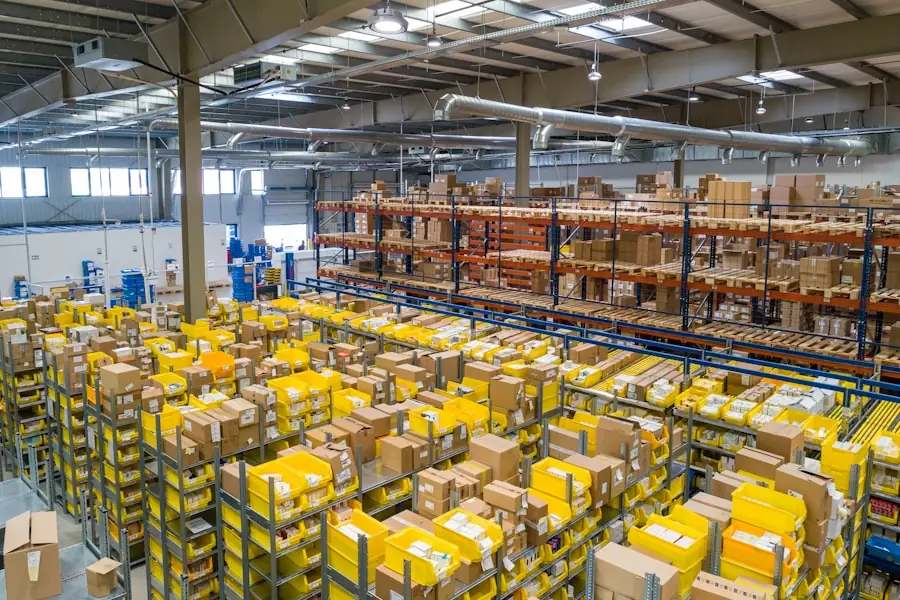 Distribution & tradingMulti-location stock, receipts, picking and dispatch
 Retail & eCommerceHigh-volume order fulfilment and barcode operations
 ManufacturingRaw material storage, production movements and finished goods
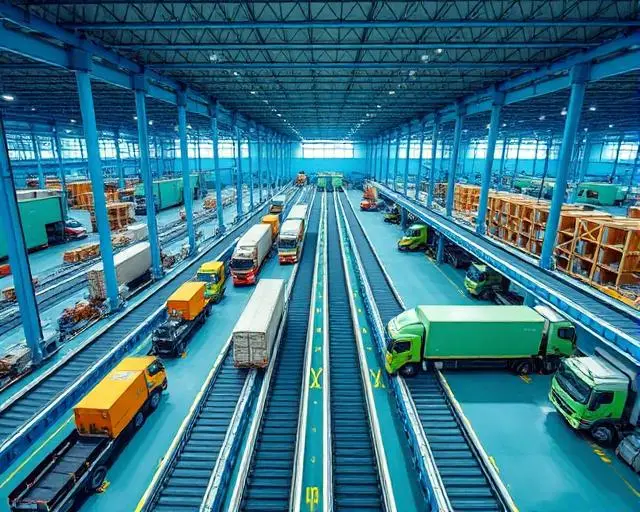 3PL & logisticsStructured locations, transfers and operational visibility
Odoo vs the alternatives
Most warehouses we meet are running on one of the first two. Here is how the options compare on the things that decide the choice.
| Spreadsheets & paper | Standalone WMS | Odoo warehouse management | |
|---|---|---|---|
| Stock accuracy | Depends on manual updates | High inside the warehouse | High, and shared with sales and purchasing |
| Link to orders and accounting | Re-keyed by hand | Through an integration to maintain | Same database, updated on every move |
| Barcode scanning | None | Yes | Yes, on phones and rugged handhelds |
| Lot, serial and expiry tracking | Hard to keep complete | Yes | Yes, with upstream and downstream traceability |
| Heavy automation (conveyors, robotics) | No | Often built for it | Via integration with specialist systems |
| Systems to run | Many files | WMS plus ERP | One platform |
Case Study Spotlight
This is an ERP case study rather than a standalone WMS rollout. For A.B. Sugars, eleven Odoo modules replaced farmer slips, weighbridge paperwork and spreadsheets. The phased six-month project connected cane procurement, production, inventory, dispatch and finance on one ledger.
“Implementing an ERP across our sugar manufacturing operations felt daunting at first, but Appther made the transition seamless. From production planning to inventory and supply chain visibility, every department now works off a single source of truth.”
09 · Why Appther
A business-first implementation, backed by an engineering team that can integrate and extend Odoo, and support it after go-live.
Glossary
The words you will hear in a discovery workshop, and what they mean for the people on the floor.
Capabilities described on this page are based on the Odoo 19 documentation for Inventory and Barcode.
Moving received stock from the dock to its storage location. Odoo putaway rules choose the location automatically.
The rule that decides which stock is picked first, such as FIFO, LIFO or FEFO.
First Expired, First Out: the lot with the earliest expiration date is picked first.
Receiving or delivering in two or three separate operations, for example pick, then pack, then ship.
Counting part of the warehouse on a schedule instead of stopping everything for a full stocktake.
A minimum and maximum stock level that makes Odoo propose or create a purchase or manufacturing order.
Supply is created only when a customer order is confirmed, instead of holding stock in advance.
Goods move straight from receiving to shipping without being stored, which Odoo supports as a route.
Pick the model that fits your rollout, from a fixed-scope implementation to a long-running Odoo team.
Best for a defined rollout: one or more warehouses on standard Odoo with an agreed scope and timeline.
Odoo functional consultants and developers working 40+ hrs/week as an extension of your operations and IT team.
Best for evolving scopes: new integrations, workflow tuning and managed Odoo support billed by effort.
Keep exploring
Related services and industries
Insights
Guides on running inventory, distribution and manufacturing operations on Odoo.
Updated · Reviewed by the Appther Odoo team
Odoo warehouse management is the Odoo Inventory and Barcode apps configured to run a physical warehouse: stock tracked by location down to the shelf, receipt and delivery routes of one to three steps, putaway and removal rules, barcode scanning on mobile devices, lot and serial traceability, and automatic replenishment. Because it runs in the same database as Odoo Purchase, Sales and Accounting, stock, orders and valuation stay in step.
For most distributors, manufacturers, retailers and many 3PLs, yes. Odoo covers multi-warehouse stock, multi-step picking, barcode execution, traceability and replenishment as standard. Operations with heavy automation such as conveyors, robotics or advanced slotting usually keep specialist software and integrate it with Odoo. The fit-gap in discovery tells you which case you are in.
Odoo Inventory, including multiple warehouses, routes, putaway rules, removal strategies, lots and serials and reordering rules, is available in Odoo Community. The Barcode app and the Master Production Schedule require Odoo Enterprise, so most warehouses that want scanner-based operations run Enterprise.
As a planning estimate, a focused single-warehouse implementation typically starts around $15K to $30K; multi-warehouse rollouts with custom modules and integrations can range from $40K to $120K or more. The final scope and cost depend on the number of sites, workflow complexity, integrations, data migration and custom development. Odoo licence fees, scanner hardware and other third-party costs are separate; Appther confirms the project estimate after discovery.
A standard Odoo implementation takes 8 to 16 weeks. A warehouse rollout with standard routes and barcode flows usually sits in that range; multiple sites, custom workflows or several integrations add time. The timeline is set in the discovery phase before any configuration begins.
Odoo supports five removal strategies: FIFO (first in, first out), LIFO (last in, first out), FEFO (first expired, first out), closest location and least packages. The strategy can be set per product category or location, so perishable goods can use FEFO while everything else uses FIFO.
Odoo Barcode works on Android and iOS devices and on most rugged handhelds that act as a keyboard or run a browser, and it supports GS1 barcodes. We confirm your scanner models during discovery and test them against your receipt, transfer and count flows before go-live.
Yes. We migrate products, locations, lots and serials, and opening stock from spreadsheets, older Odoo versions or another WMS, then reconcile the opening balance with a count before cutover so the first day starts from a trusted number.
Yes. We integrate Odoo with eCommerce platforms, shipping carriers, scanners and external ERP or accounting systems through Odoo's APIs, so orders flow into the warehouse and shipment and stock updates flow back without re-keying.
Yes. Every rollout includes a hypercare period after cutover, and we offer ongoing managed Odoo support for performance and workflow tuning, enhancements, new integrations and version upgrades.
Book a discovery workshop, or send us your warehouse questions and we will reply within 24 hours.