AI Automation Company

AI Automation Services for Real Workflows

We automate the repetitive work between your systems: reading emails and documents, updating the CRM and ERP, routing requests and chasing follow-ups. AI handles the judgement steps, rules handle the rest, and a person approves anything that matters.

n8nPythonNode.jsClaudeGPTTwilio

Trusted by teams worldwide

Connexate Meshmedia Oaky Setia Haruman Wave Sugar

In short

What are AI automation services?

AI automation services design and run workflows that move work between your systems without someone copying it by hand, using AI for the steps that need reading, classifying or drafting. Typical examples are lead routing, support triage, invoice capture, order updates and report generation.

Most of a good automation is plain, reliable workflow: triggers, rules, API calls and retries. AI is added only where a step needs judgement, such as understanding an email or pulling fields from a document. If you need software that pursues a goal on its own and decides which tools to use, that is AI agent development; for conversations with customers, see AI chatbot development.

Our AI Automation Services

Six areas where automation usually pays back first. Most projects start with one workflow and grow from there.

Our Services

01 · Service line

Business Process Automation

  • Map the process as it really runs, then automate the repetitive steps
  • Triggers from forms, email, files, webhooks or schedules
  • Rules for the routine cases, people for the exceptions
  • Retries, alerts and a run history for every workflow
02 · Service line

Sales & CRM Automation

  • Lead capture, enrichment, scoring and routing
  • Follow-up sequences that stop when the buyer replies
  • Meeting notes and next steps written back to the CRM
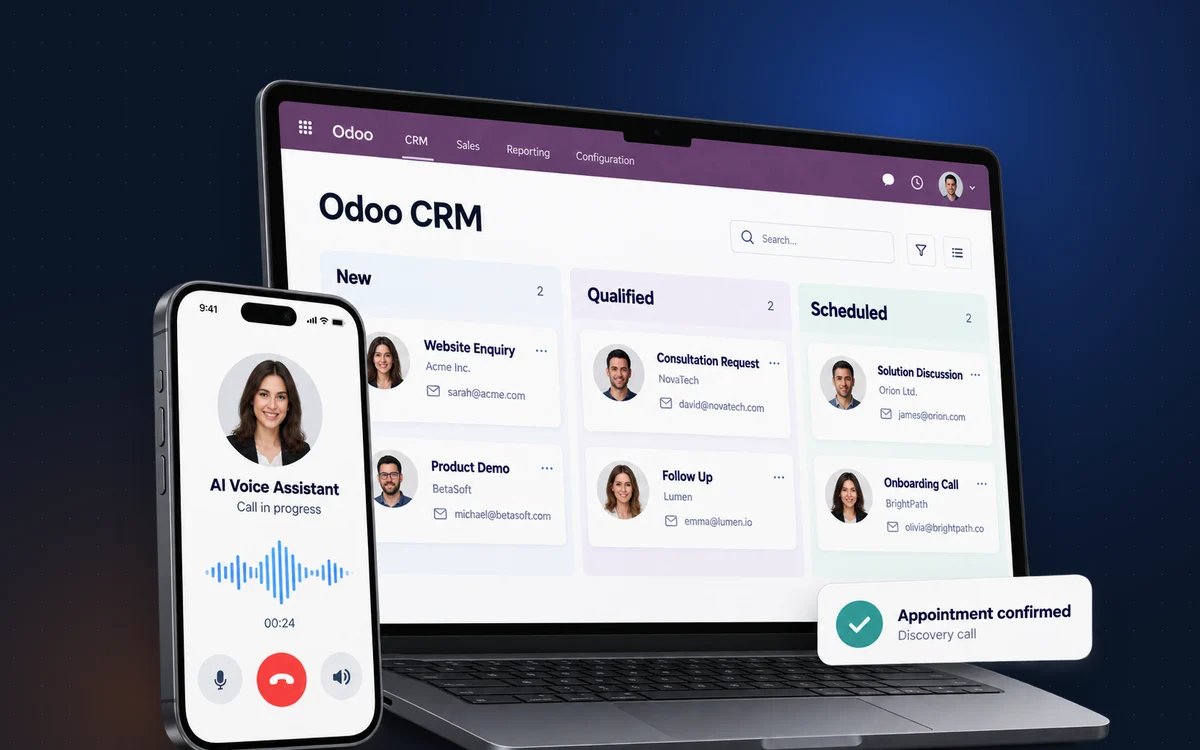
  • Works with HubSpot, Salesforce, Zoho and Odoo CRM
03 · Service line

Customer Support Automation

  • Ticket triage by topic, urgency and customer value
  • Answers to routine questions from your own help content
  • Hand-over to a person with context, never a dead end
  • Customer-facing chat through our AI chatbot team
04 · Service line

Finance & Invoice Automation

  • Invoice and receipt capture from email and scans
  • Matching against purchase orders and receipts
  • Posting to Xero, QuickBooks or your ERP
  • Exceptions queued for approval instead of guessed
05 · Service line

ERP & Operations Automation

  • Order, stock and dispatch updates between systems
  • Scheduled reports drafted from live data
  • Native Odoo automations through our Odoo AI integration team
  • Field and warehouse updates from mobile apps
06 · Service line

Document & Email Automation

  • Shared inboxes read, labelled and routed
  • Fields pulled from forms, contracts and attachments
  • Documents generated in your own Word or Excel templates
  • Replies drafted for a person to check and send
Business Case

What Are the Benefits of AI Automation for Business?

The gains come from removing hand-offs and retyping, not from the AI itself. These are the effects teams usually see first.

Hours back every week

Copying, checking and chasing work moves to a workflow that runs the moment the trigger arrives.

  • Less manual data entry
  • Faster turnaround

Fewer errors and missed steps

The same checks run on every record, so fewer things slip because someone was busy or away.

  • Consistent checks
  • No forgotten follow-ups

Growth without matching headcount

Volume can rise without the team growing at the same rate, and people spend their time on exceptions.

  • Scales with demand
  • Staff on higher-value work

A clear record of what happened

Every run is logged with its inputs, outputs and approvals, so you can see and audit the process.

  • Run history and alerts
  • Approvals on record

Automation You Can Leave Running

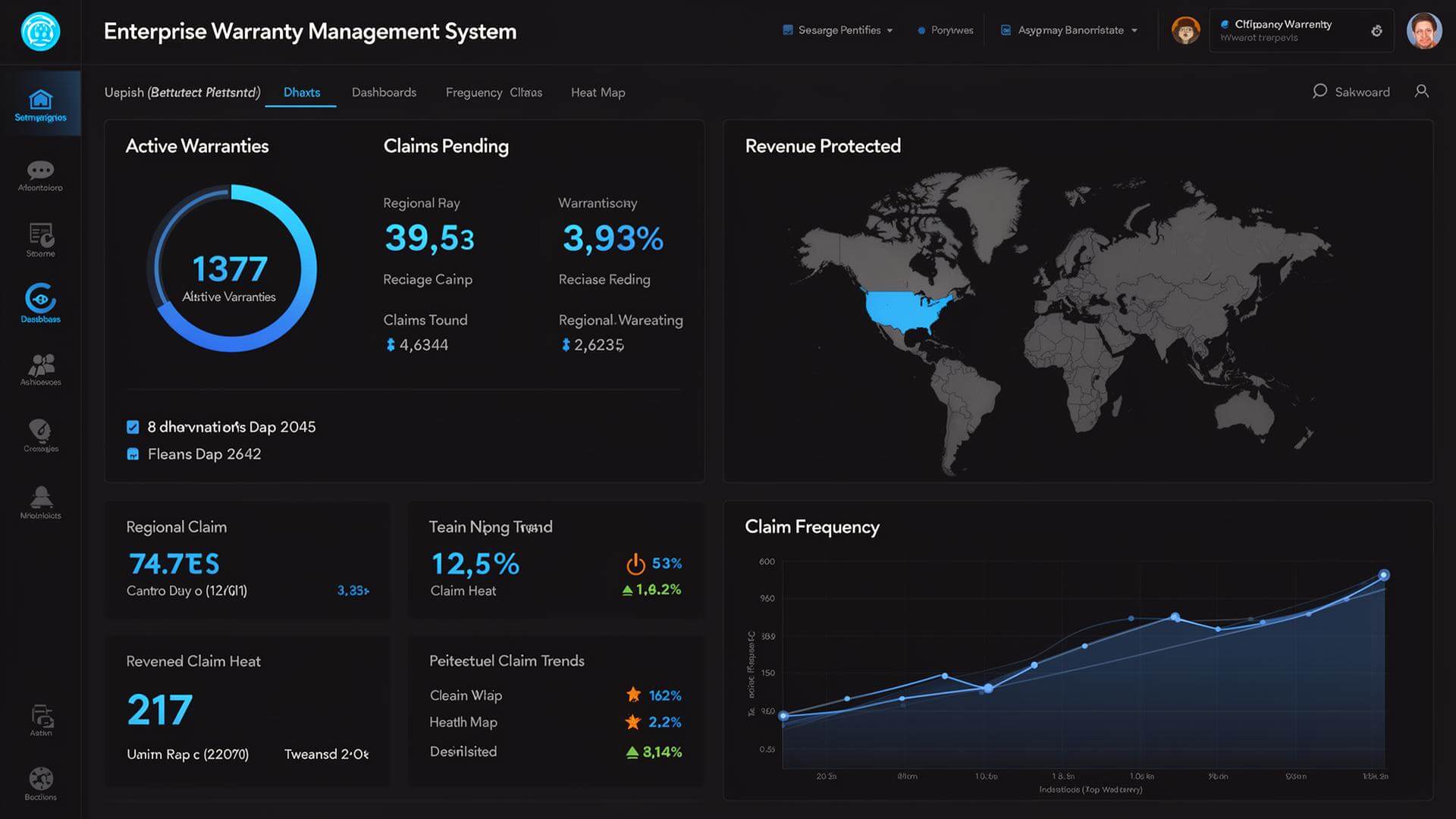
Workflow health · This week
Runs completed1,240
Sent for approval38
Failed, retried and alerted3
Illustrative dashboard, not client data

An automation that breaks quietly is worse than none. These are the parts we build so a workflow keeps working after launch.

[1] AI only where it is needed

Rules and API calls do the predictable steps. AI is used for reading, classifying and drafting, where rules cannot cope.

[2] People approve what matters

Payments, customer-facing messages and data changes above a limit you set wait for a person to approve them.

[3] Failures are loud, not silent

Retries, alerts and a queue for anything that could not finish, so nothing disappears between systems.

[4] A full run history

Every run records its trigger, inputs, decisions and outputs, which makes problems quick to trace and audits simple.

[5] Built on your systems’ rules

Updates go through official APIs and respect the permissions and validations in your CRM, ERP and accounting software.

[6] You own the workflows

Workflows, code and prompts are yours, documented and handed over, and can run in your own cloud account.

Our Process

How We Deliver AI Automation, Step by Step

Each phase ends with a workflow you can watch running on your own data.

  1. Week 1

    Automation Audit

    We sit with the team, map the process as it really runs and pick the workflow with the clearest payback.

  2. Week 1–2

    Workflow Design

    Triggers, rules, AI steps, approvals and failure handling agreed on one page before anything is built.

  3. Week 2–3

    Build & Connect

    The workflow built and connected to your systems, tested on real past cases.

  4. Week 3–4

    Shadow Run

    It runs alongside your team and records what it would have done, so you can compare before it acts.

  5. Launch & after

    Go Live & Improve

    Staged go-live with alerts and a run dashboard, then the next workflow from the audit list.

Why Appther

Why Choose Appther for AI Automation?

What to ask any automation partner, and how we answer.

Process first, tools second

We start from how the work really happens and choose the simplest tool that will run it reliably.

  • Automation audit before any build
  • No AI where rules will do

Integration engineers, not just a no-code builder

When a tool runs out, we write the integration. CRM, ERP, accounting and custom systems all included.

  • Official APIs and webhooks
  • Custom code where needed

Safe by design

Approval steps, limits, logs and alerts are part of every workflow from day one.

  • Human approval gates
  • Full run history

Your data, your code

Self-hosted options, role-based access and 100% ownership of workflows and code.

  • ISO 27001 certified delivery
  • NDA before discovery
Technologies

The Stack Behind Our Automations

Chosen per workflow for reliability, cost and where your data needs to stay.

n8n

Our default workflow engine, self-hosted or cloud, for triggers, integrations and visual workflows your team can follow.

Python & Node.js workers

Custom steps, heavier processing and integrations that a workflow tool cannot handle cleanly.

Claude & GPT

Language models for classifying requests, extracting fields and drafting replies, with structured output checked in code.

Document capture

PDF and email parsing, OCR for scans and template-exact Word and Excel generation.

CRM, ERP & accounting APIs

HubSpot, Salesforce, Zoho, Odoo, Xero and QuickBooks, plus custom systems through their APIs.

Messaging

Email, Slack, Microsoft Teams, SMS and WhatsApp through Twilio and official business APIs.

Cloud & monitoring

AWS and Azure hosting, queues, scheduled jobs, logging and alerting.

Cost & Timeline

How Much Do AI Automation Services Cost?

Fixed price, agreed in writing after a free scoping call. The figures below match our AI agent pricing.

Typical scope

First workflow

$4,900

2 to 3 weeks

One workflow automated end to end with up to three system integrations, approval steps and 30 days of tuning.

Most requested

Automation package

$8,900 – $14,900

4 to 6 weeks

Two or three connected workflows with deeper CRM, ERP or accounting integration, a run dashboard and 90 days of support.

Typical scope

Automation programme

$15,900 – $19,900

8 to 10 weeks

Workflows across several departments with central monitoring, access controls and an agreed support plan.

Software subscriptions and AI model usage are billed at cost and estimated up front for your expected volume.

Use Cases

AI Automation Use Cases by Industry

Where automation removes the most manual work.

[01] Logistics & Warehousing

Order intake from email, portals and EDI, stock and dispatch updates, and proof-of-delivery paperwork.

  • Order intake from any channel
  • Dispatch and tracking updates
  • Delivery paperwork captured
Explore logistics software ›
[02] Healthcare & Clinics

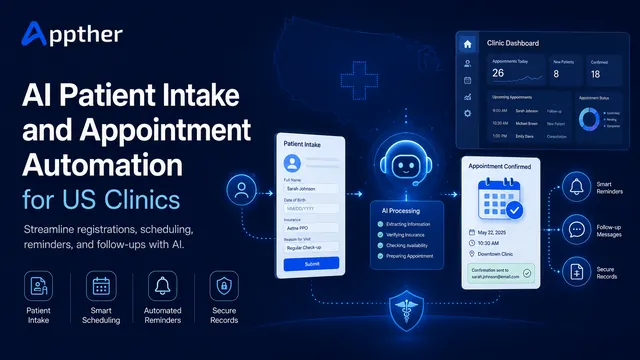
Intake forms, appointment reminders and referral paperwork handled without front-desk retyping.

  • Patient intake to the record
  • Reminders and confirmations
  • Referral document capture
Explore healthcare software ›
[03] Finance & Professional Services

Invoices, receipts and client documents captured, checked and posted with an approval trail.

  • Invoice capture and matching
  • Client onboarding paperwork
  • Month-end report drafting
Explore fintech development ›
[04] Retail & E-Commerce

Order, returns and stock updates between the store, warehouse and accounting, plus support triage.

  • Returns and refunds workflow
  • Stock sync across channels
  • Support ticket triage
Explore retail software ›
[05] Manufacturing & ERP

Purchase, production and quality steps that still depend on email and spreadsheets.

  • Purchase order processing
  • Quality and inspection records
  • Odoo workflow automation
Explore Odoo AI integration ›
Client Voices

What Clients Say About Working With Appther

“Appther exceeded every expectation, on time and on budget, and the final product has been instrumental in scaling our business. A rare engineering partner.”
Johnathan Peffer
Johnathan PefferCEO · Bull's Eye Technologies Inc
“Rolling out a platform across our operations felt daunting at first, but Appther made the transition seamless. Every department now works off a single source of truth.”
Pushpender Kumar
Pushpender KumarGeneral Manager · A.B. Sugars Ltd
“Appther built our student competition platform exactly the way we envisioned it: easy registration, smooth judging, and real-time results that keep participants engaged.”
Dionna Milem
Dionna MilemOwner · My BOB Team LLC
“Building a mental health product means every detail has to be handled with care, and Appther got that from day one. The product feels warm, simple, and genuinely helpful.”
Bob Singhal
Bob SinghalProfessor of Joy · Joyscore Inc
Latest Insights

Reading on AI Automation

Guides from our team on workflows, tools and where automation pays back.

All Articles
Free 30-Minute Automation Audit

Have a Process Your Team Keeps Retyping? Let’s Automate It.

Walk us through one process. We will tell you honestly which steps should be automated, which should not, and what a first workflow would cost.

Process map Workflow plan Fixed price
Book My Free Call
200+Products delivered
4.9★Clutch rating
ISO 27001Certified security
100%Code and IP yours
FAQ

AI Automation Services FAQ

Updated

AI automation services design, build and run workflows that move work between your systems automatically, using AI for steps that need reading, classifying or drafting. Common examples are lead routing, support triage, invoice capture and order updates.
An automation follows a workflow you design: a trigger, a set of steps and rules, with AI used inside specific steps. An AI agent is given a goal and decides which steps and tools to use. Most businesses get the fastest return from automation first, and add agents where the path cannot be written down in advance.
A first workflow costs $4,900 and usually goes live in 2 to 3 weeks. A package of two or three connected workflows runs $8,900 to $14,900, and a multi-department programme $15,900 to $19,900. Software subscriptions and AI usage are billed at cost.
Start with work that is frequent, rule-based and currently done by copying data between systems, such as lead routing, invoice capture or order updates. Our free automation audit ranks your processes by effort saved and risk.
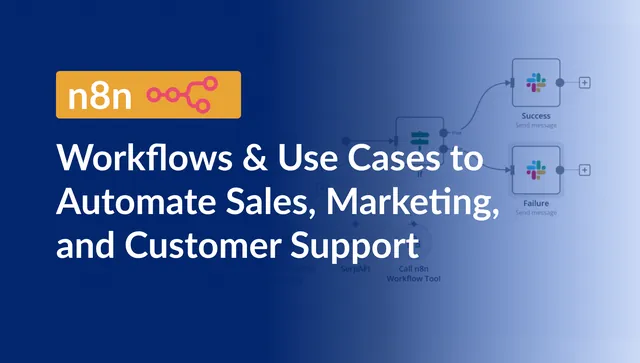
We use n8n for most workflows because it can be self-hosted and handles complex logic well, and we write Python or Node.js steps when a workflow needs more. If you already run Zapier, we can work with it, and we will tell you if a process has outgrown it.
Yes. We connect through official APIs to systems such as HubSpot, Salesforce, Zoho, Odoo, Xero and QuickBooks, and to custom software. Updates respect the permissions and validations your systems already have.
Every workflow has approval steps for payments, customer-facing messages and data changes above a limit you set, plus retries, alerts and a full run history. New workflows run in shadow mode first, so you can compare their decisions with your team’s before they act.
You do. Workflows, code and prompts are documented and handed over, and they can run in your own cloud account.
An Engineer Replies Within One Business Day

Let's Automate Your Workflow

Tell us which process takes the most manual work today and which systems it touches. An engineer replies within one business day. Related: AI agents, Odoo AI integration.

Free 30-min strategy callScoping and honest, practical advice.
Fixed-price quoteDetailed scope and price after discovery, no surprises.
NDA on requestYour idea and code always stay yours.

Prefer to talk now?+91 99114 32288 · info@appther.com

Book Your Free Strategy Call

Fields marked * are required. We reply within one business day.

🔒 Your details are never shared. NDA available on request.